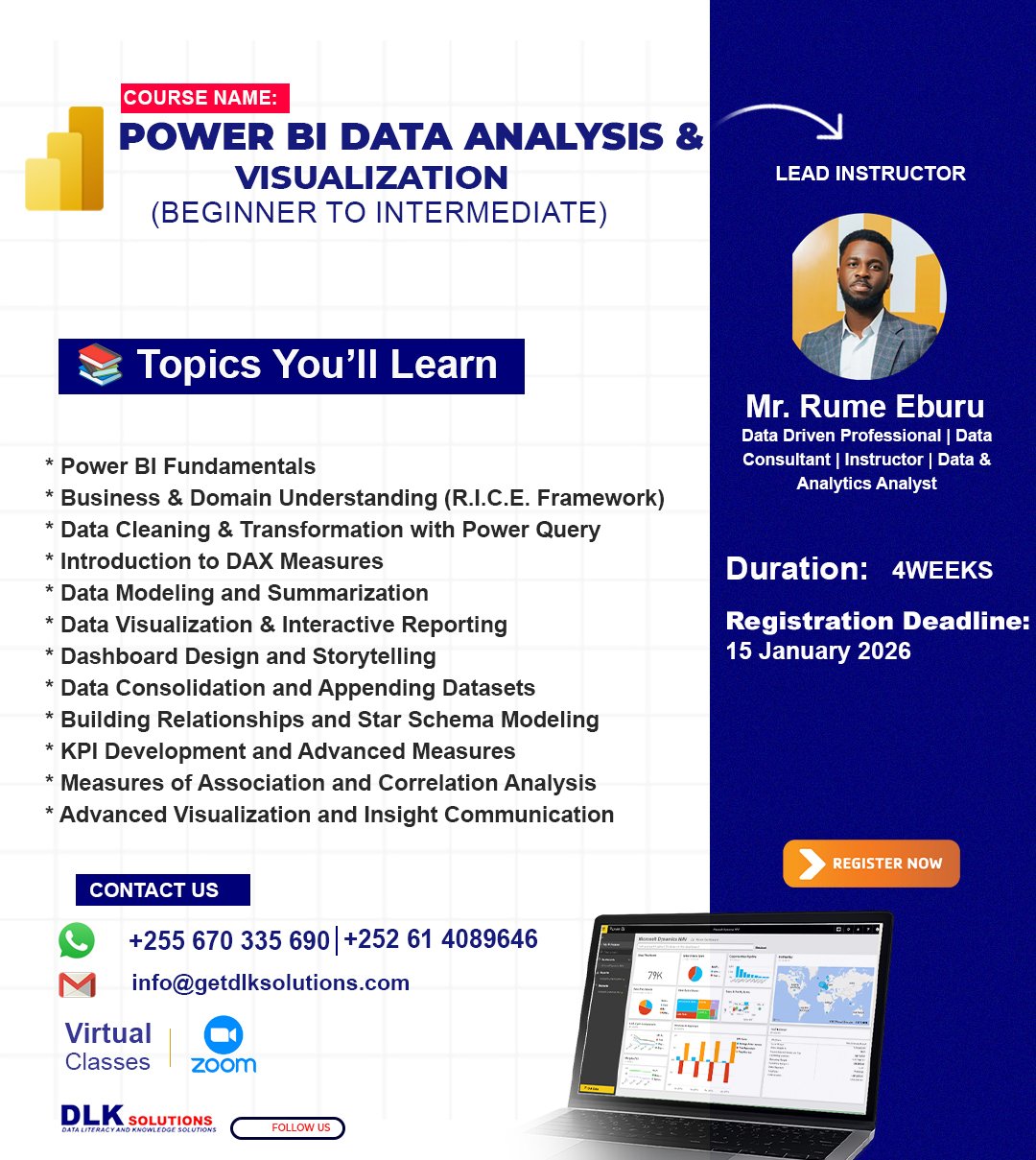
This Course focuses strictly on Power BI as a data analysis and visualization tool. It is designed to build strong, practical Power BI skills from beginner to intermediate level through hands-on learning, replication, and real-world datasets. The emphasis is on using Power BI to connect data, clean data, model data, analyze data, and build dashboards that answer real business and institutional questions, particularly within health-related contexts.
Learning Outcomes
By the end of this course, learners will be able to:
Navigate and confidently use Power BI Desktop
Connect Power BI to different data sources
Clean and transform data using Power Query
Work with multiple datasets at the same time
Write basic to intermediate DAX measures
Design interactive dashboards and reports
Replicate complete Power BI projects independently
Collaborate effectively with fellow BI developers and data analysts
Program Structure
Delivery Mode: 100% Virtual (Zoom)
Duration: 4 Weeks
Total Sessions: 8 Live Sessions
Session Length: 2 Hours per session
Class Size: 20–25 participants
Schedule: Fridays & Tuesdays
Time: 7:00 PM – 9:00 PM (EAT)
Teaching Approach
100% practical Power BI sessions via Zoom or Google Meet.
WhatsApp group(s) for students collaboration and project submissions.
Live demonstrations using Power BI Desktop
Students replicate everything demonstrated by the instructor